YOUR BIM MODEL
INSIDE POWER BI
Vcad brings every property of your BIM model into ready-made Power BI reports – upload an IFC file, or connect APS or Forma.
Chosen by Global Leaders
Leading companies and institutions use Vcad to transform BIM data into fast, measurable decisions.













Make complex data accessible
VCAD keeps navigation smooth on enterprise-size BIM, delivering reliable performance and flexible controls for clear, fast viewing.

Keep your workflow safe
Your data is protected during every step of the workflow. From model data extraction, report creation, and data analysis.


Manage any model
Handle large files and all major BIM and CAD formats, with great performance and smooth navigation across complex scenes.

Fine tune your analytics
Configure VCAD in depth with controls for appearance, navigation, and interaction, so reports function and look as you wish.
From BIM models to analytics
Vcad is your shortcut to business intelligence reports, instantly turning complex data into clear, safe and ready-to-use insights in seconds.
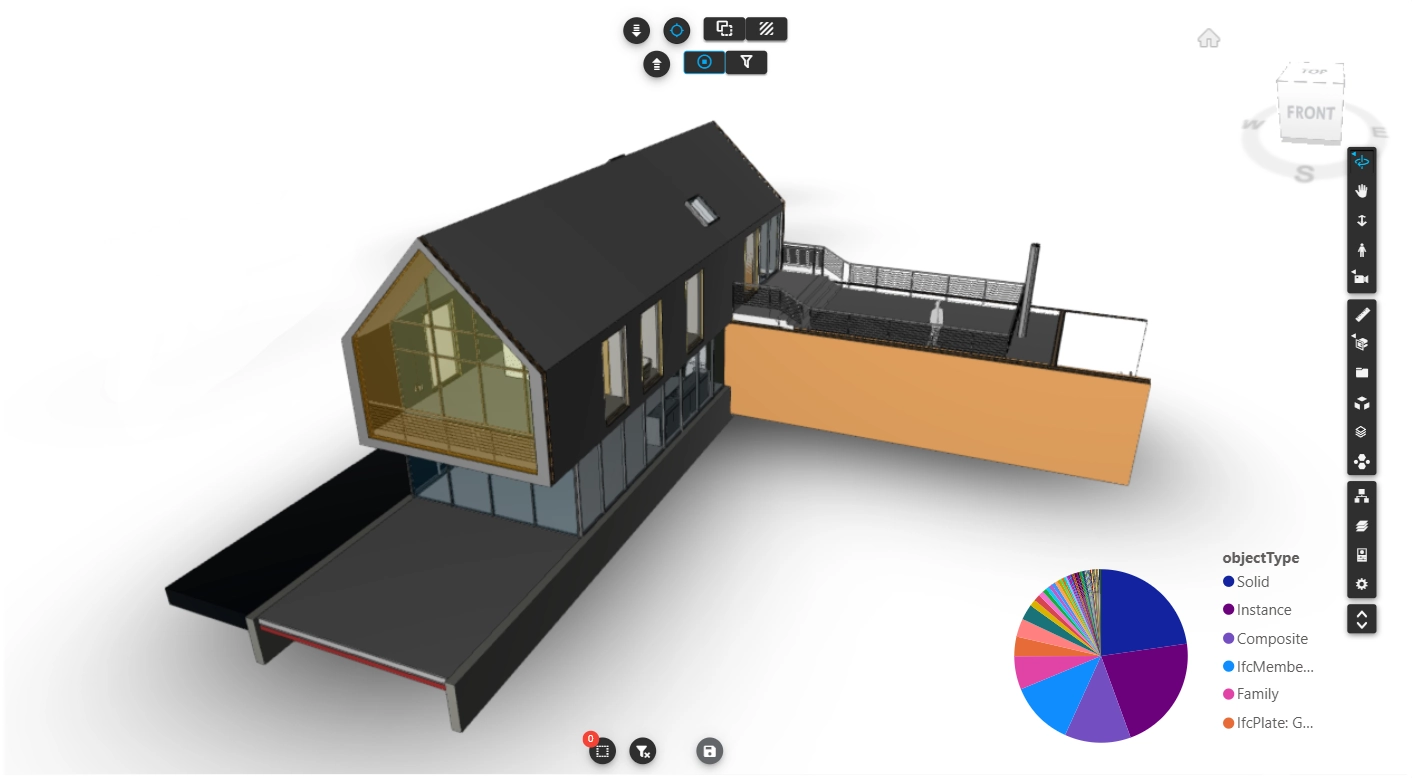
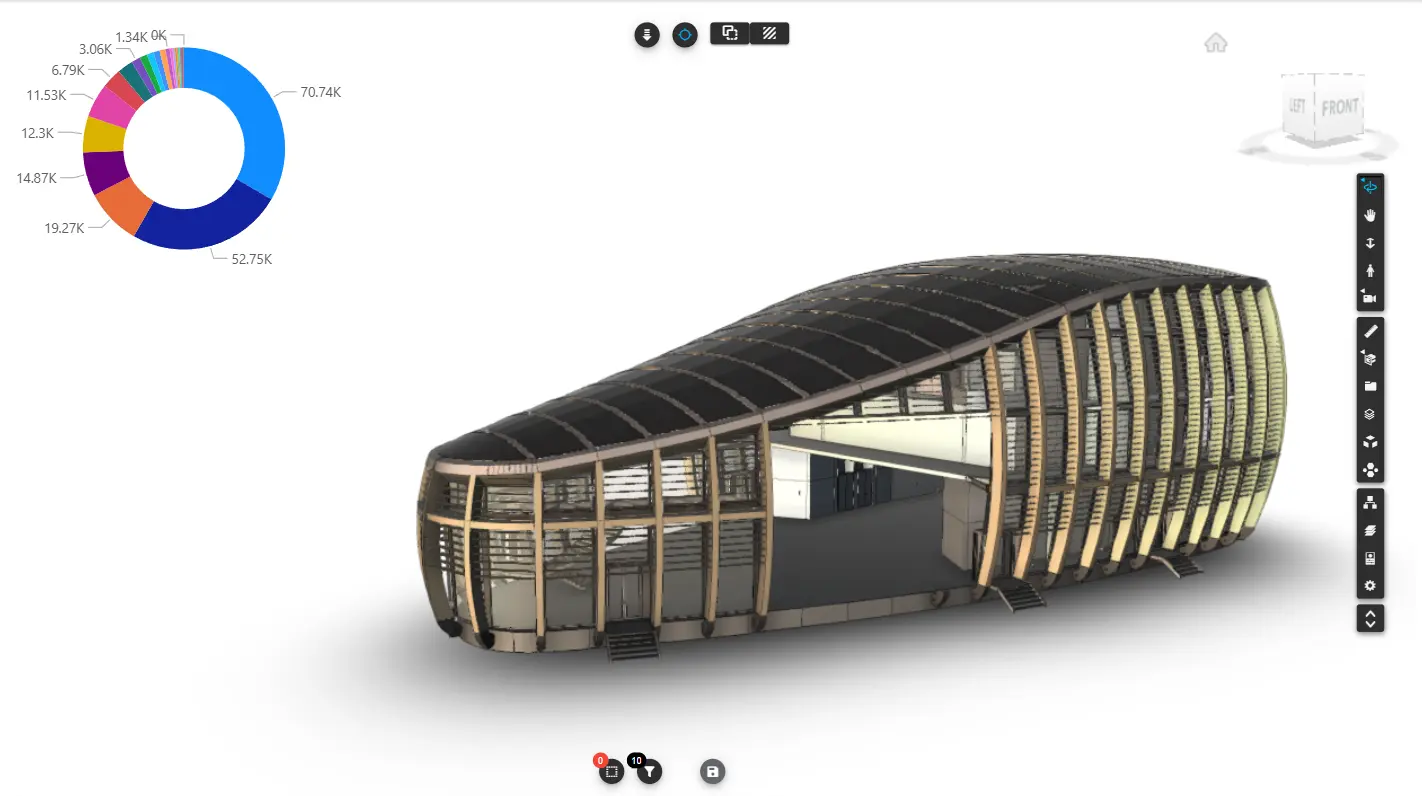
Vcad reads the model and puts its data and geometry inside a Power BI report, where every object carries the properties it has in the model.
Technical teams, project managers and clients work on the same report, without opening BIM software and without asking anyone for an export.
Two ways to start
Vcad instantly links your Autodesk workflow to powerful and customizable analytics.
Upload an IFC file and Vcad converts it, or add your own Autodesk Platform Services credentials for the other formats. If your team works in Autodesk Forma, Vcad connects there too.
Whichever way you start, the data, the viewer and the templates are the same.





A report for every question
Vcad supports every stage of your project, from planning to construction and operations, keeping cost and efficiency under control.
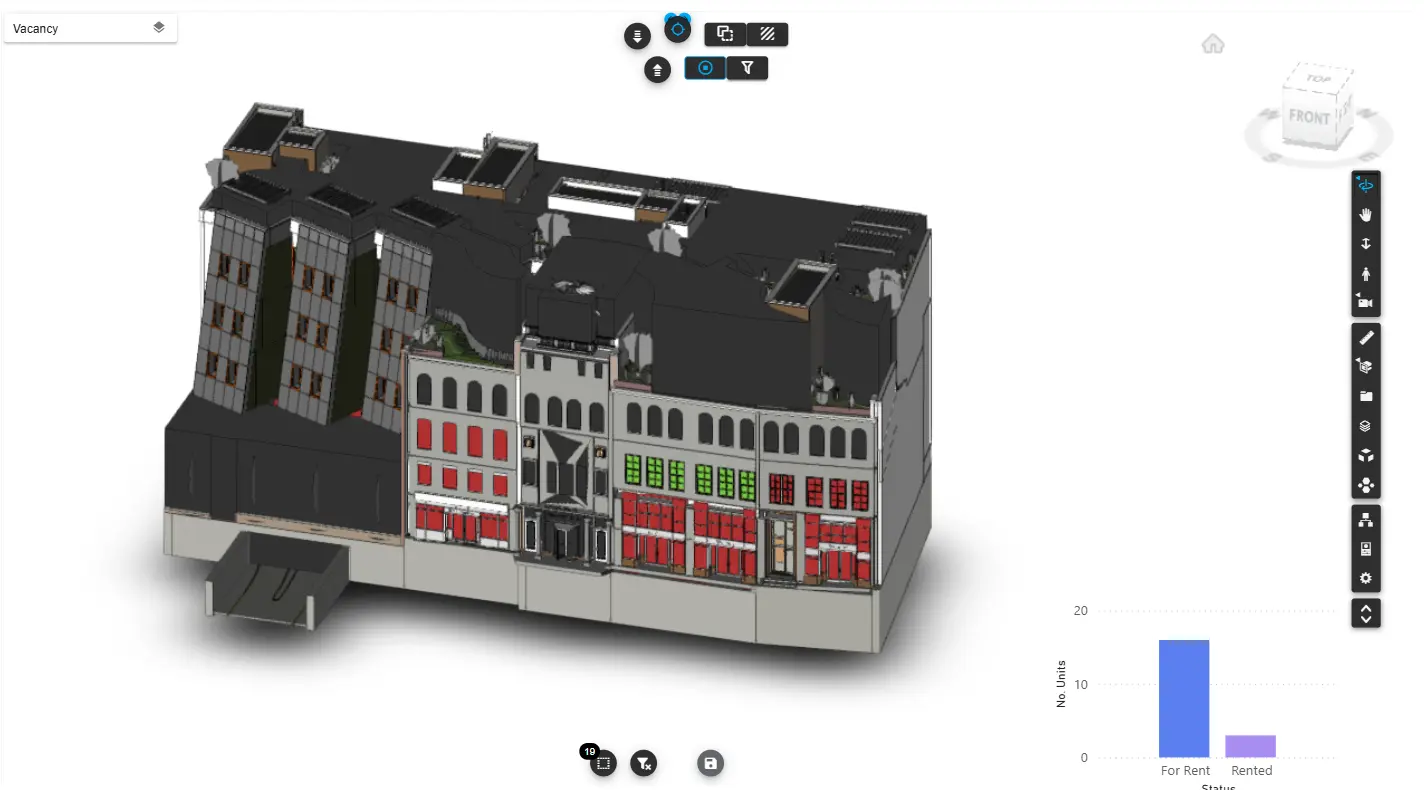
Whatever you need to ask of a project — cost, progress, clashes, maintenance, occupancy — there is a report already built for it.
Open them on real models and see the answer come out of data your team already produces.
Latest from the blog
Here you can find use cases, tutorials, examples and news.

Build a 4D Report in Power BI with an AI Assistant
A 4D report links the construction schedule to the objects of the model, so you can see on the...
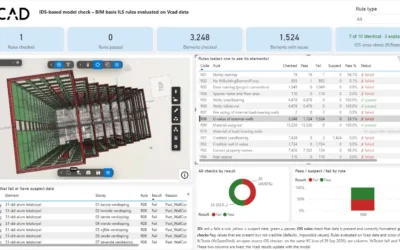
IDS Model Checking on IFC Data in Power BI
An IDS tells you whether a model carries the data it is supposed to carry. It is the open...
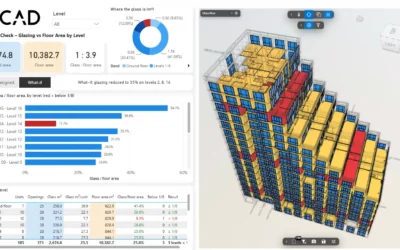
Window to Floor Area Ratio Check on a BIM Model
The window to floor area ratio is one of the first checks a residential project has to pass: in...

Vcad brings every property of your BIM model into ready-made Power BI reports – upload an IFC file, or connect APS or Forma.



COMPANY
Blogic s.r.l.
Via F. Mengotti, 15
00191 Rome, Italy
VAT: IT05731610720
FOLLOW US
Privacy Policy | Terms & Conditions | Cookies - ©2026 | All Rights Reserved